Getting Started Guide
Learn how to use Retail Tunes from login to intelligent scheduling
1
Create an Account
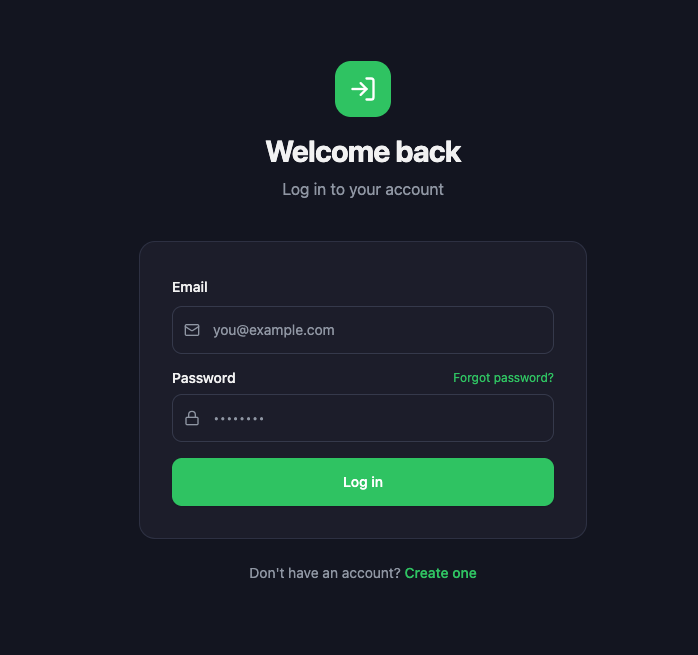
Go to the login page and click "Sign Up." Enter your email and a password, or use Google to sign in instantly. You'll receive a verification code by email — enter it to confirm your account.
2
Accept the EULA
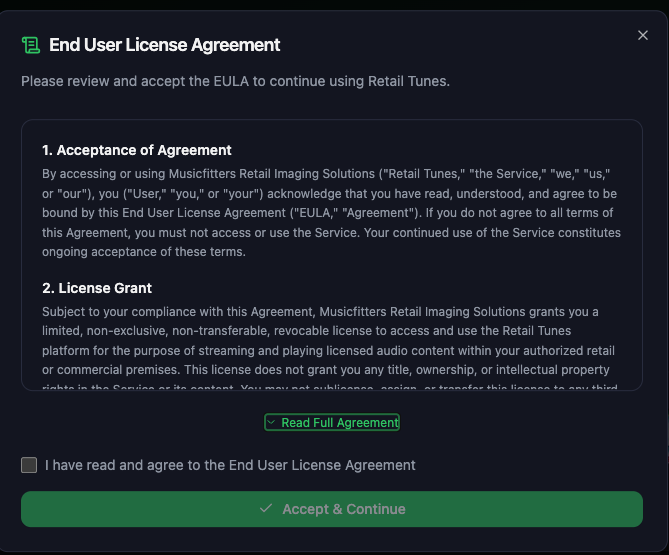
On your first login, you'll see the End User License Agreement popup. Read through the agreement, check the acceptance box, and click "Accept & Continue" to proceed. This popup only appears once.
3
Choose Your Genres (Onboarding)
New users are prompted to pick favourite genres. This personalises your Home page recommendations. You can update these later from your Profile.
Go to ProfileStill need help?